Notification Batching: the Screen Habit That Returns More Attention Than Any App Blocker
Quick Answer: Each notification costs far more than its glance — interruption research famously clocks the full refocus time after a real disruption at around 23 minutes, and even ignored pings measurably degrade the task you stay on. Batching is the fix that doesn’t require digital monkhood: notifications delivered in 2-4 scheduled windows daily (most phones now build this in), true emergencies whitelisted through, everything else waiting quietly. The result reads like magic and is just arithmetic: dozens of daily attention taxes collapsed into a few planned collections.
The screen-time conversation obsesses over total hours while the sharper thief works per-minute: the ping that costs ‘just a second’ to check — 80 times a day. Nobody’s day is ruined by one notification; everyone’s afternoon is quietly shredded by the seventy-nine others.

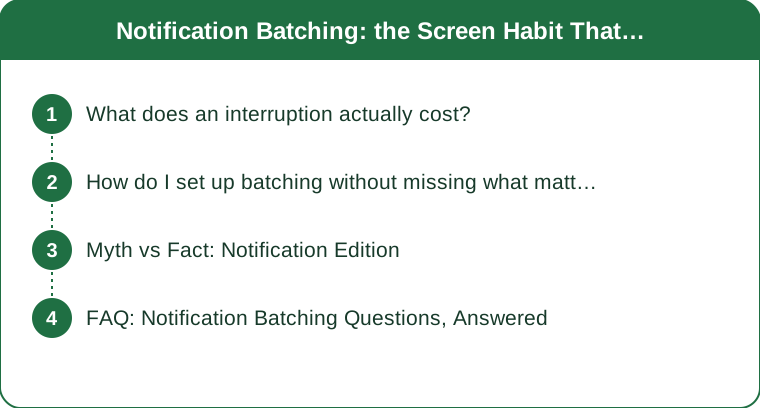
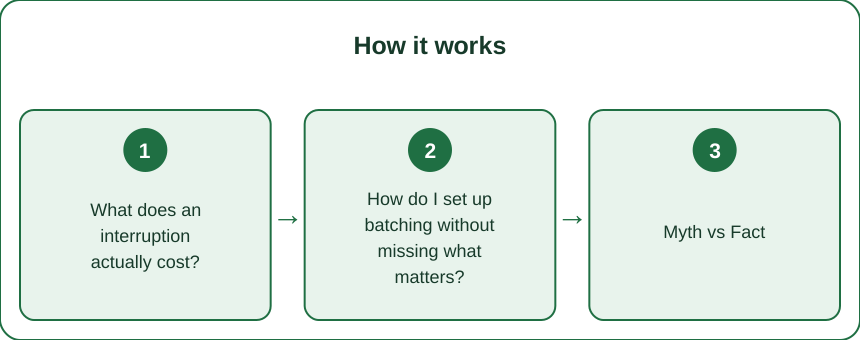
What does an interruption actually cost?
The attention research’s uncomfortable arithmetic:
- The refocus tail: after a genuine task interruption, returning to full engagement takes serious minutes — the widely-cited workplace figure runs around 23 minutes for complete re-immersion in complex work. Even granting everyday tasks a fraction of that, a dozen pings during focused work can shred an entire afternoon’s depth.
- The ignored ping still bills you: studies on phone notifications find that merely hearing a buzz — without checking — degrades task performance, because a chunk of attention departs to speculate about the message. The willpower of not-checking pays most of the cost of checking.
- The residue accumulates: attention residue — thoughts of the interrupted or anticipated thing persisting into the current task — stacks across a pinging day into the signature modern feeling: busy all day, shallow everywhere, exhausted by nothing in particular.
- The phantom layer: heavy notification users develop phantom vibrations and compulsive lock-screen checks — the anticipation system running even when the phone is silent. This is the tell that the setting has trained the human, rather than the reverse.
Sum: notifications aren’t a convenience with occasional costs — they’re a continuous attention tax with occasional benefits, and the tax rate is set in your settings app.
How do I set up batching without missing what matters?
The three-layer system:
- Layer 1 — the whitelist (always through): calls from starred contacts (family, school, the boss if needs be), plus any genuinely time-critical app (the childcare app, the on-call system). This layer is why batching isn’t risky — the emergency channel stays open, and callers repeat-dialing break through on most focus modes anyway.
- Layer 2 — the batch (scheduled delivery): messages, email, group chats, news, social — delivered in 2-4 daily windows (a common pattern: ~8am, 12:30pm, 5pm, optional 8pm). Both major phone platforms now ship this natively (scheduled summaries / focus modes) — the feature exists; almost nobody has opened it.
- Layer 3 — the silent majority (no notifications, ever): the honest audit finding: most apps’ notifications serve the app, not you — promotions, streaks, ‘someone posted.’ These don’t get batched; they get zeroed. You visit those apps when you choose, which is the entire relationship they deserve.
The rollout that survives week two: start with the silent-majority purge (zero social cost, instant relief), add batching for email and non-urgent chats next, and tell your frequent contacts the pattern (‘I check messages around noon and five — call if urgent’) — the sentence that dissolves the guilt layer, and the step everyone skips before concluding batching ‘doesn’t work for my life.’

Myth vs Fact: Notification Edition
Myth: I need everything on — people expect instant replies. Fact: The expectation is mostly self-manufactured and self-reinforcing — replying within seconds trains your contacts to expect it. Batchers consistently report the feared backlash never arriving; a stated rhythm plus an open call channel satisfies nearly everyone, and the exceptions were already calling.
Myth: I’m good at multitasking — pings don’t really affect me. Fact: The research consensus is blunt: humans task-switch rather than multitask, heavy media multitaskers test worse at filtering and switching, and self-assessed multitasking skill correlates with worse performance, not better. The immunity feeling is the deficit talking.
Myth: Batching means being unreachable — irresponsible for parents or caregivers. Fact: The whitelist is the entire answer — calls from the school and the sitter ring through instantly while the group chat waits until 5pm. Batching with a whitelist is more reliable for emergencies than the default, because the real alert isn’t buried under forty trivial ones.
The reframe that makes it stick: notifications are other people’s (and other companies’) to-do items requesting immediate insertion into your day — batching just moves you from open-door interruption policy to office hours.
FAQ: Notification Batching Questions, Answered
How many batch windows should I start with?
Three is the comfortable start (morning, midday, end of work) — two feels dramatic for week one, and five defeats the purpose. Adjust after two weeks of data: most people discover the midday window could be optional and never discover a missed emergency.
What about work chat (Slack/Teams) during work hours?
The same architecture, scaled: focus blocks (60-90 minutes, notifications held) alternating with open windows — plus the status line (‘deep work until 11, ping me after’) that most workplace cultures respect far more than people predict. Roles with genuine on-call duties whitelist those channels specifically, not everything generally.
I tried it and kept compulsively checking anyway — broken?
Normal — the checking habit outlives the notifications by a couple of weeks (it was trained by years of intermittent rewards, the strongest conditioning schedule there is). Bridge tactics: phone out of reach during focus blocks, lock-screen widgets showing nothing, and letting the 2-3 week extinction curve run. Checking that persists strongly beyond that, or real distress when unreachable, is worth a professional conversation — sometimes the phone is the symptom rather than the cause. This is general information, not medical advice.
TL;DR:
- The math: real interruptions cost ~minutes-to-tens-of-minutes of refocus each; even ignored buzzes bill you — dozens of times daily
- The system: whitelist true emergencies through, batch human messages into 2-4 windows, zero the app-serving majority entirely
- Tell your people the rhythm — the one sentence that removes the guilt and the imagined backlash
- The compulsive checking fades on a 2-3 week extinction curve; the attention returns sooner
The door was never supposed to be open all day — office hours were always allowed, even for your pocket. This is general information, not medical advice.
Keep Reading
This article is for general informational purposes only and is not medical advice. Always consult a qualified health professional for guidance specific to you.