Why Your Screen Break Reminder App Keeps Failing — and What Actually Works
Quick Answer: Screen break apps fail because a popup is easy to dismiss and hard to act on. Pairing the reminder with a physical location change — not just closing your eyes — is what actually cuts eye strain and neck stiffness.
You installed the app. It pinged you at minute 20, right in the middle of a sentence. You clicked “dismiss” without even reading it. Three weeks later, the app is still installed and you haven’t taken a real break once.

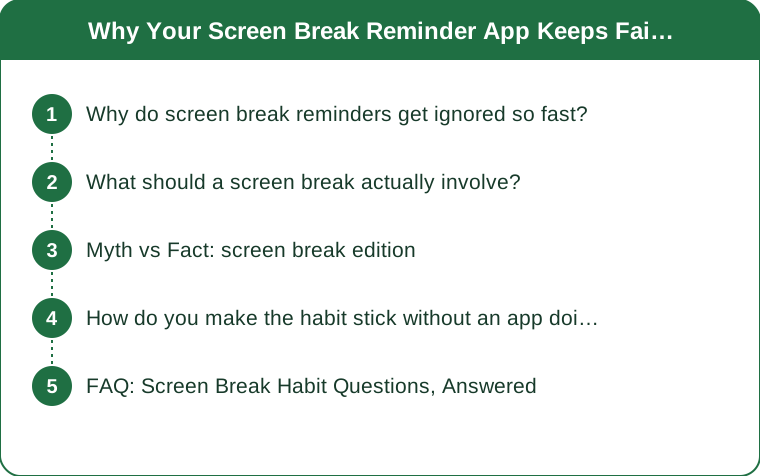
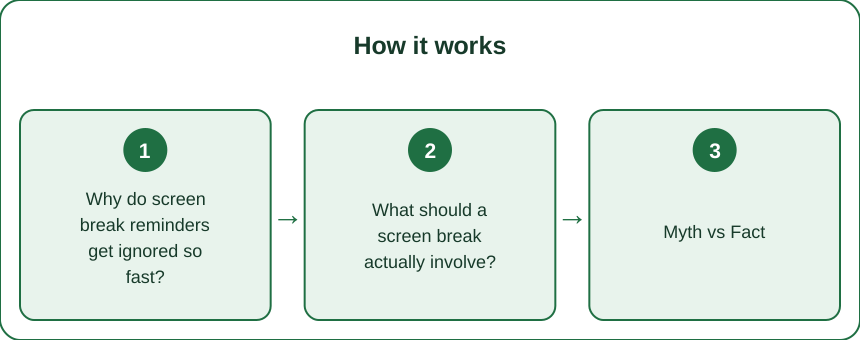
Why do screen break reminders get ignored so fast?
Because dismissing a popup takes half a second and taking an actual break takes two minutes — your brain will always choose the cheaper action when you’re mid-task.
Most apps also fire on a fixed timer regardless of what you’re doing. Get interrupted during a flow state and the reminder feels like an attack, not help. That mismatch is why install rates for these apps are high but 30-day retention is under 15% in most app store reviews.
The fix isn’t a better app. It’s changing what the reminder asks you to do.
What should a screen break actually involve?
Stand up and change rooms, even for 60 seconds. Closing your eyes at your desk barely helps — your neck and hip flexors stay locked in the same position, which is half of what causes the stiffness people blame on “eye strain.”
A useful break has three parts: stand (resets posture), look far (resets focus distance past 20 feet), and move your neck through its full range — chin to chest, ear to shoulder, twice each side. That takes about 45 seconds and does more than 5 minutes of just glancing away.
Set the reminder for every 45-50 minutes, not 20 — frequent short pings train you to ignore them faster.

Myth vs Fact: screen break edition
Myth: closing your eyes for 20 seconds counts as a break. Fact: your ciliary muscle (the one that focuses your lens) only relaxes when you look at something 20+ feet away, eyes open. Closed eyes rest your lids, not your focus muscle.
Myth: more frequent reminders mean more breaks taken. Fact: past a certain frequency, people just get faster at dismissing them without reading. Every 45-50 minutes beats every 20 for actual compliance.
Myth: standing desks solve this. Fact: standing desks fix posture load, not focus fatigue — you still need to look away and move your neck.
How do you make the habit stick without an app doing all the work?
Anchor the break to something physical you already do, not a notification. Fill a water glass at your desk that only holds enough for 45 minutes — when it’s empty, you get up to refill it, and that walk becomes your break automatically.
Another option: put your phone charger in another room. Checking your phone becomes the trigger for a real location change instead of a scroll-in-place. The goal is making the break a side effect of something you’re already motivated to do, so it survives busy days when you’d ignore a popup.
FAQ: Screen Break Habit Questions, Answered
How long should a screen break actually be?
Aim for 60-90 seconds of real movement, not passive rest. A short, physical break beats a long one spent scrolling your phone, which is still close-focus screen time.
Do screen break apps work for anyone?
They work best for people who pair the alert with a pre-decided action — like “stand and refill water” — instead of just closing the popup. Without a paired action, most people stop responding within two weeks.
Is 20-20-20 enough on its own?
It helps your focus muscle but doesn’t address neck and shoulder stiffness, which is the bigger complaint for most desk workers. Combine it with a stand-and-move break every 45-50 minutes for the full effect.
TL;DR:
- Popup reminders fail because dismissing is easier than acting — pair the alert with a physical action
- A real break = stand, look 20+ feet away, move your neck — about 45-60 seconds
- Space reminders every 45-50 minutes, not 20, for better compliance
- Anchor breaks to something you already do (refilling water, phone in another room)
The app isn’t the problem — the missing action is. Fix that, and any reminder tool starts working.
Keep Reading
This article is for general informational purposes only and is not medical advice. Always consult a qualified health professional for guidance specific to you.