Why a Second Monitor Changes How Often You Need a Break
Quick Answer: A second monitor increases strain mainly through mismatch — a different distance, height, angle and brightness from your primary screen. Every glance between them forces your eyes to refocus and your neck to rotate, dozens of times an hour. Match the two screens for distance (within 10cm), height (top edge at or just below eye level) and brightness, angle the secondary inward rather than flat, and take breaks based on how often you switch, not on a fixed timer.
You added a second screen and got more done.
You also started ending the day with a headache behind one eye and a stiff neck on one side.
Those are the same change.
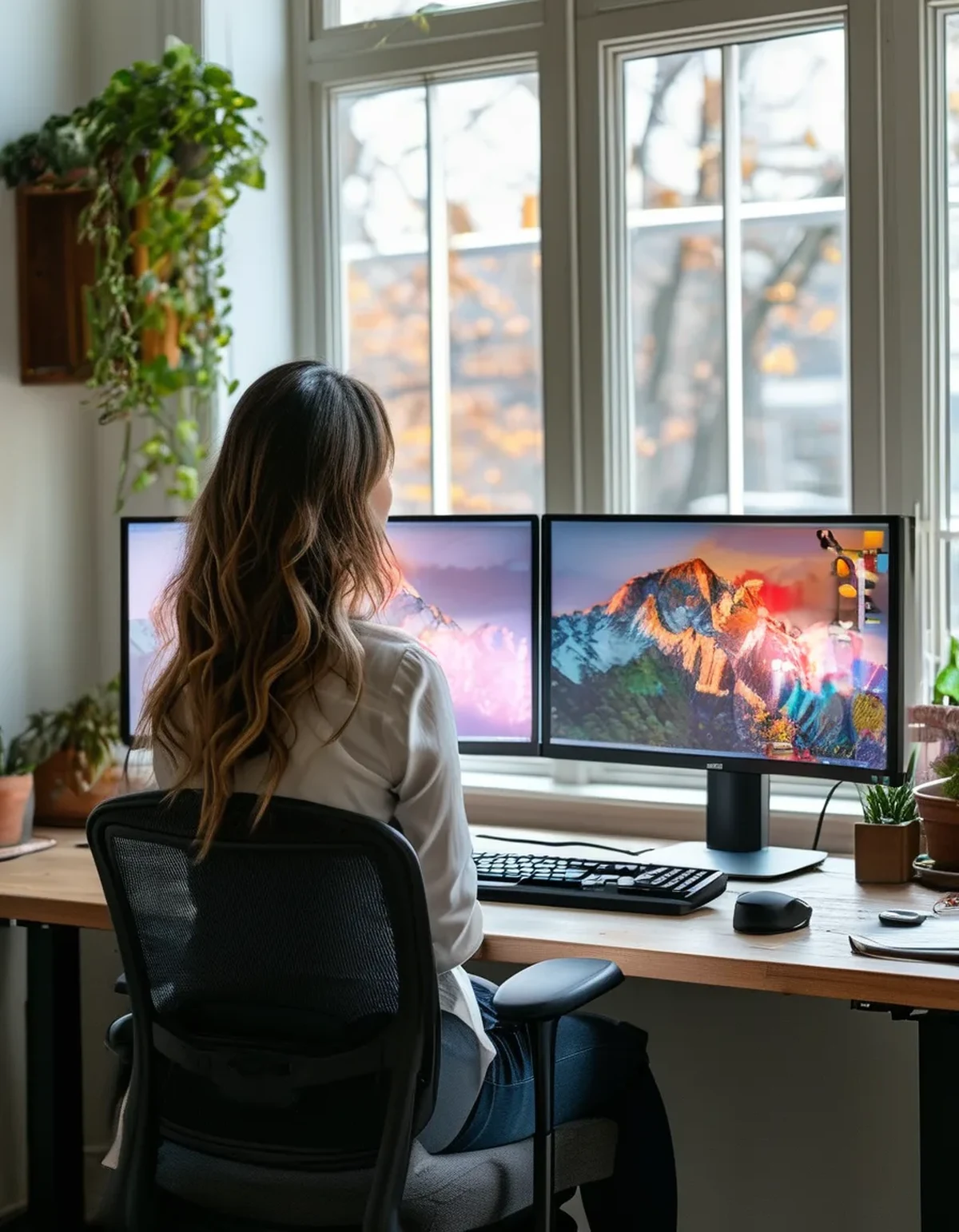
Why does a second monitor increase strain?
Five mechanisms, and none of them is ‘more screen time’.
Different distances force constant refocusing. If one monitor sits 60cm away and the other 75cm, every glance requires your eye’s focusing muscle to adjust. Do that a few hundred times a day and it fatigues, which is felt as ache behind the eyes.
Different heights force neck movement. Monitors at different heights mean repeated small tilts as well as rotations. Most dual setups have mismatched heights because the second screen is on a different stand or a laptop riser.
Brightness mismatch forces pupil adjustment. Two screens at different brightness — especially a laptop screen next to an external monitor — make your pupils resize on every switch.
Head rotation becomes asymmetric. You almost always rotate the same direction to the secondary screen, so one side of your neck does all the work. This is why dual-monitor neck pain is typically one-sided.
You blink less, for longer stretches. Two screens support longer uninterrupted focus, which is good for output and bad for tear film. Blink rate drops substantially during concentrated screen work, and a second monitor extends those blocks.
How should the two screens actually be positioned?
Six specifics, in order of impact.
Match the distance within about 10cm. This is the highest-impact fix. Arrange them in a shallow arc so both are roughly an arm’s length away — around 50 to 70cm for typical text sizes.
Match the height. The top edge of both screens at or just below eye level. A laptop next to a monitor almost never satisfies this without a stand, and a laptop stand plus external keyboard is the single best purchase for most dual setups.
Angle the secondary inward. Not flat and parallel — turned toward you so it faces your face rather than your shoulder. This reduces how far you have to rotate and how much you view the screen off-axis.
Match the brightness to each other and to the room. Both screens should look similar, and neither should be noticeably brighter than the wall behind it.
Decide which screen is primary and put it in front of you. Whichever you look at most should be directly ahead. Many people put the screen they use most off to one side, which guarantees asymmetric neck load.
Alternate the side occasionally. If your setup allows swapping the secondary from left to right periodically, it distributes the rotation.
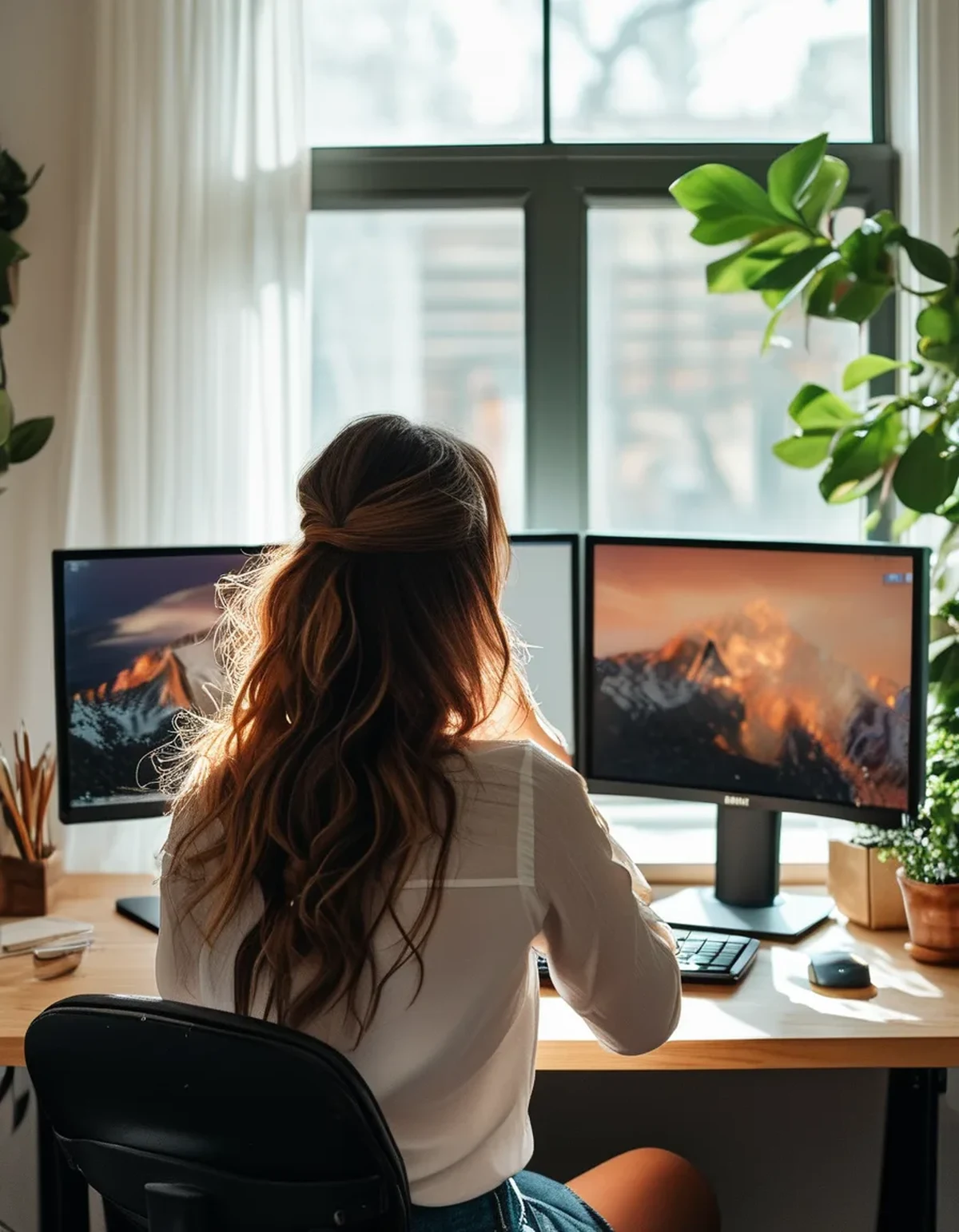
How should break timing change with two screens?
Base breaks on task switching rather than a fixed clock.
The 20-20-20 idea still applies — every 20 minutes, look at something 20 feet (about 6 metres) away for 20 seconds. It addresses focusing muscle fatigue, which dual monitors worsen.
Add a distance break at natural task boundaries. Finishing a document, sending an email, ending a call. Looking across the room for 20 to 30 seconds at those points is far more sustainable than reacting to a timer you will start ignoring within a week.
Take a neck break specifically. Dual monitors create rotational load that eye breaks do nothing for. A slow rotation to each side and a chin tuck, once an hour, targets the actual problem.
Blink deliberately. Ten slow, full blinks at each break. It sounds trivial and it addresses the dominant cause of dryness.
Get up every 45 to 60 minutes. Postural load accumulates faster with rotation involved.
Seasonal note: as the days shorten, indoor lighting drops while screen brightness stays fixed, widening the contrast between your screens and the room. Turn screen brightness down in the afternoon as the light fades — the mismatch, not the screens, is what makes autumn evenings at a desk feel harder on your eyes.
This is general information, not medical advice. Persistent one-sided headache, vision changes or eye pain warrant seeing an optometrist or doctor.
5 Dual Monitor Mistakes
Using a laptop screen as the second monitor without a stand. It is lower, smaller, at a different distance and a different brightness. It breaks all four matching rules at once.
Putting the most-used screen off to the side. Whatever you look at most goes directly in front of you. This is free and most people get it wrong.
Leaving the second screen flat and parallel. Angling it inward reduces both rotation and off-axis viewing.
Different brightness on each screen. Your pupils adjust on every glance, all day.
Relying on a break timer alone. People dismiss timers within days. Tying breaks to task boundaries survives.
And the one nobody considers: putting the second monitor in front of a window. The screen competes with a bright background all day, and you raise its brightness to compensate, worsening the mismatch with your primary screen. Screens should sit perpendicular to windows, never with a window directly behind them.
FAQ: Dual Monitor Questions, Answered
Is a second monitor bad for my eyes?
No. Poor matching between screens is the problem, and it is entirely fixable with positioning.
How far away should both screens be?
Roughly an arm’s length — 50 to 70cm — and within about 10cm of each other.
Should the second screen be at the same height?
Yes. Top edge at or slightly below eye level for both.
Which side should the secondary go on?
Whichever you can alternate. If you cannot alternate, put the screen you use most in front of you and the other on your non-dominant side.
Do blue light filters help?
Evidence for blue light causing eye strain is weak. Reduced blinking and focusing effort explain most symptoms, and both are behavioural.
Why is my neck sore on one side only?
Repeated rotation in one direction. Reposition the screens, and add hourly rotation and chin-tuck movement.
Is an ultrawide better than two monitors?
Often yes for eye strain, because it removes the distance and brightness mismatch entirely. Neck rotation across a very wide panel remains a consideration.
TL;DR:
- Dual monitor strain comes from mismatch — distance, height, angle and brightness — not from more screen area.
- Match distance within 10cm, top edges at or below eye level, and angle the secondary inward.
- Put the screen you use most directly in front of you.
- Tie breaks to task boundaries, and add an hourly neck rotation break that eye breaks do not cover.
- Never place a monitor with a window directly behind it.
Stand behind your desk and look at your two screens. If they are not the same distance and height, that is today’s fix.
Keep Reading
This article is for general informational purposes only and is not medical advice. Always consult a qualified health professional for guidance specific to you.