Why a Second Monitor Strains Your Eyes Differently Than One Screen
Quick Answer: A dual monitor setup adds three eye strain factors that a single screen does not have: repeated refocusing when the two screens sit at different distances, constant convergence changes as your eyes track sideways, and mismatched brightness that forces continual pupil adjustment. The fix is not fewer screens — it is matching their distance, angle, and brightness so switching between them costs your eyes as little as possible.
Most dual setups have all three problems and are solvable in about ten minutes.
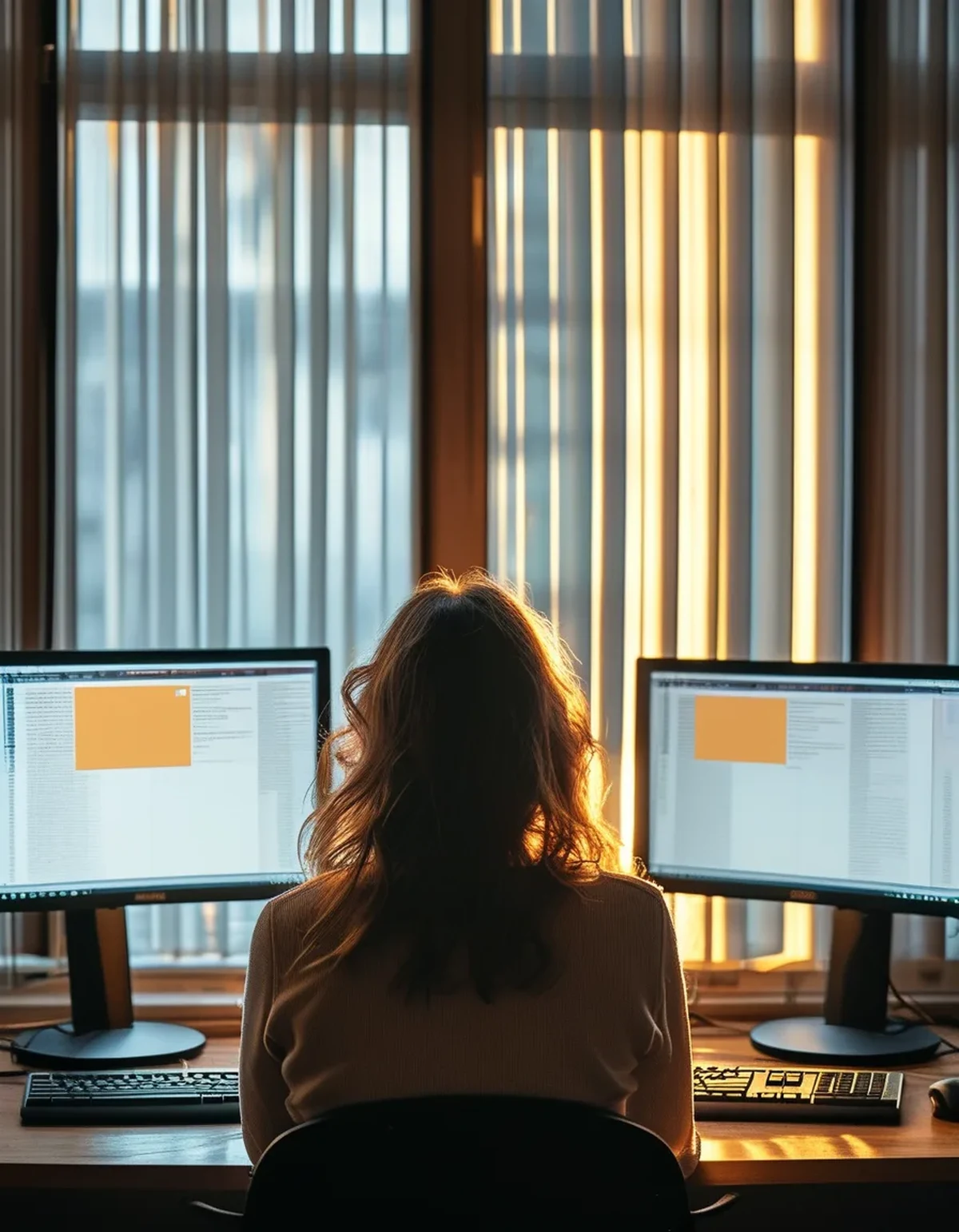
What extra work do two screens create?
Three distinct demands, each of which a single screen mostly avoids.
Distance mismatch. Most people set up a primary monitor squarely in front and a second one angled off to the side. That angle almost always puts the far edge of the second screen further away than the near edge of the first. Every switch between them requires a small accommodation change — your ciliary muscle adjusting the lens to refocus. Do that a few hundred times a day and it is measurable fatigue.
Convergence changes. Your two eyes angle inward to focus on a near object. That angle changes as the target moves in space, and it changes as you shift attention laterally between screens set at different distances and angles. Convergence is driven by the extraocular muscles, and sustained repeated adjustment fatigues them.
Brightness mismatch. This is the most common and the most overlooked. Two monitors of different models, ages, or facing different light sources are almost never at the same effective brightness. Every switch triggers pupil adjustment. The iris is a muscle, and constantly resizing is work.
Add them together and a dual setup produces a different fatigue profile than a single screen: less of the sustained-focus ache and more of a general tiredness that people describe as their eyes feeling busy.
The head and neck component is real too, and it is a separate issue. A screen at a sharp angle means sustained head rotation, which is a neck problem rather than an eye one.
Why does brightness mismatch matter so much?
Because pupil adjustment is continuous, involuntary, and surprisingly demanding when it is triggered repeatedly.
Your pupil size is set by the light reaching your retina. Switch from a bright screen to a dimmer one and your pupil dilates; switch back and it constricts. In a normal dual monitor workday, that cycle can happen hundreds of times.
The common causes of mismatch:
Different monitor models have different panel technologies, backlights, and factory calibrations. Two screens both set to 50 percent brightness are frequently not producing the same luminance at all.
Different ages. Backlights dim over time. A three-year-old monitor next to a new one will be noticeably dimmer at the same setting.
Different light exposure. A screen facing a window and one facing a wall have completely different effective contrast even at identical settings, because the ambient light washing the screen differs.
Different content. A code editor with a dark theme beside a browser with a white page is a large luminance difference that no monitor setting can fix. This is often the biggest factor and the one nobody adjusts for.
The last one deserves attention. If your workflow puts a dark application on one screen and a bright one on the other, you have built a permanent brightness mismatch into your day. Matching your application themes across screens is a genuine ergonomic intervention, not an aesthetic preference.
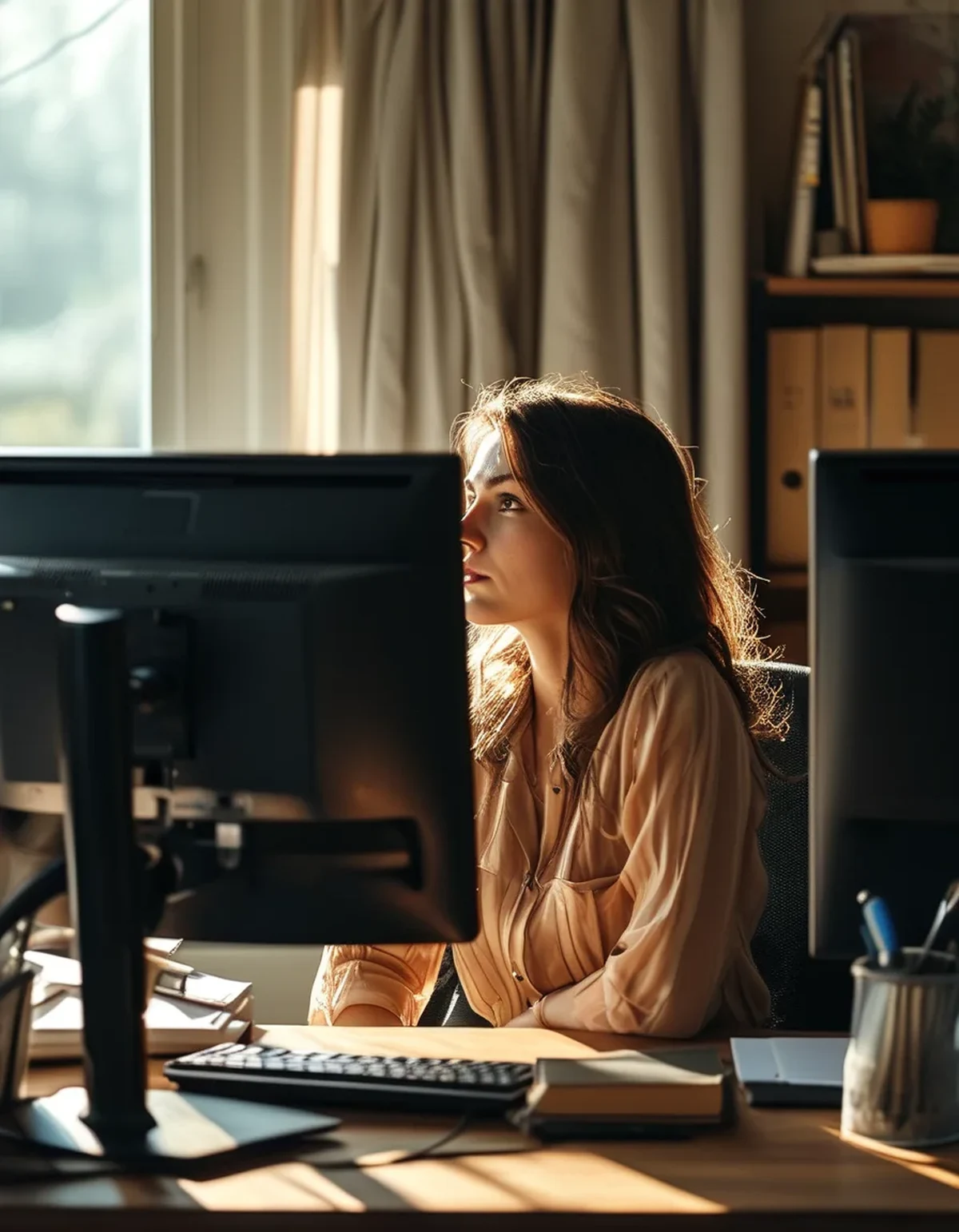
5 Mistakes Everyone Makes With Two Monitors
Setting the second monitor at a sharp angle. Anything beyond about thirty degrees from center means real head rotation rather than eye movement. Two screens angled gently inward, forming a shallow arc around you, keeps both within a comfortable range.
Different heights. A laptop beside an external monitor is the classic version, and it is the worst common setup — the laptop is lower, closer, and usually dimmer. A laptop stand fixes more eye and neck strain than any other single purchase.
Matching brightness by the number rather than by eye. The settings are not comparable across models. Put the same white document on both screens and adjust until they genuinely look the same. Trust your eyes over the percentage.
Treating the second screen as peripheral. People place a monitor they use constantly in a position appropriate for one they glance at occasionally. Position should follow actual usage — if you look at it a third of the day, it deserves a near-primary position.
Ignoring the window. A screen facing a window has changing effective brightness all day, so a match set in the morning is wrong by afternoon. Position screens perpendicular to windows where possible, which is also the fix for glare — and it matters more over the next few months as the sun sits lower and comes in at desk height.
How should you set it up?
Six adjustments, all free, in about ten minutes.
Equalize the distance. Both screens should be roughly the same distance from your eyes. That means arranging them in a shallow arc rather than a flat line, so the outer screen curves toward you. Aim for arm’s length on both.
Equalize the height. Top of the screen at or slightly below eye level, both the same. Books work if you do not have adjustable stands.
Reduce the angle. Keep the second monitor within about thirty degrees of your center line. If you cannot, consider which content genuinely needs to be visible constantly.
Match brightness by eye. Same white document on both. Adjust until they look identical. Repeat if your lighting changes seasonally.
Match your application themes. Both dark or both light. Mixing them creates a mismatch that persists through every other adjustment.
Decide on a primary. One screen for sustained work, directly in front. The second for reference material you consult rather than read continuously. A setup where attention is split evenly between two screens is the most fatiguing configuration, and it is usually avoidable with a bit of workflow discipline.
One seasonal note. As daylight hours shorten, your screens get relatively brighter compared to the room, which increases contrast strain in the late afternoon. Turning both monitors down as the day darkens — or using automatic brightness adjustment — addresses a strain source that arrives gradually and goes unnoticed.
This is general information, not medical advice. Persistent eye pain, headaches, double vision, or a sudden change in vision should be assessed by an optometrist or a doctor rather than solved with monitor placement.
FAQ: Dual Monitor Eye Strain Questions, Answered
Is one big monitor better than two?
For eye strain, often yes — a single ultrawide removes the distance, brightness, and convergence mismatches entirely. For workflow, it depends on whether you need genuine window separation. Neither is universally better.
Should the second monitor be vertical?
It can be, and it does not change the eye strain question much as long as distance, height alignment, and brightness are addressed. A vertical monitor’s top edge sitting well above eye level is the thing to watch.
Does the 20-20-20 rule still apply?
Yes, and with two screens the more relevant addition is a genuine look away from both, at something at least twenty feet off. Switching between monitors is not a break, even though it feels like a change of scene.
Why do my eyes feel worse with two screens even though I blink normally?
Because the dominant mechanism is different. Single-screen strain is largely about reduced blinking and sustained focus. Dual-screen strain adds repeated accommodation, convergence, and pupil changes, which produce a fatigue that feels less like dryness and more like tiredness.
TL;DR:
- Two screens add three costs a single screen does not have: refocusing across mismatched distances, convergence changes, and pupil adjustment from brightness mismatch.
- Mixed light and dark application themes create a permanent brightness mismatch no monitor setting can correct.
- Arrange screens in a shallow arc at equal distance and height, keep the second within thirty degrees, and match brightness by eye rather than by percentage.
- Designate one primary screen; evenly split attention between two is the most fatiguing configuration.
Put the same white page on both monitors right now and look at them side by side. If one is visibly brighter, you found your problem.
Keep Reading
This article is for general informational purposes only and is not medical advice. Always consult a qualified health professional for guidance specific to you.